


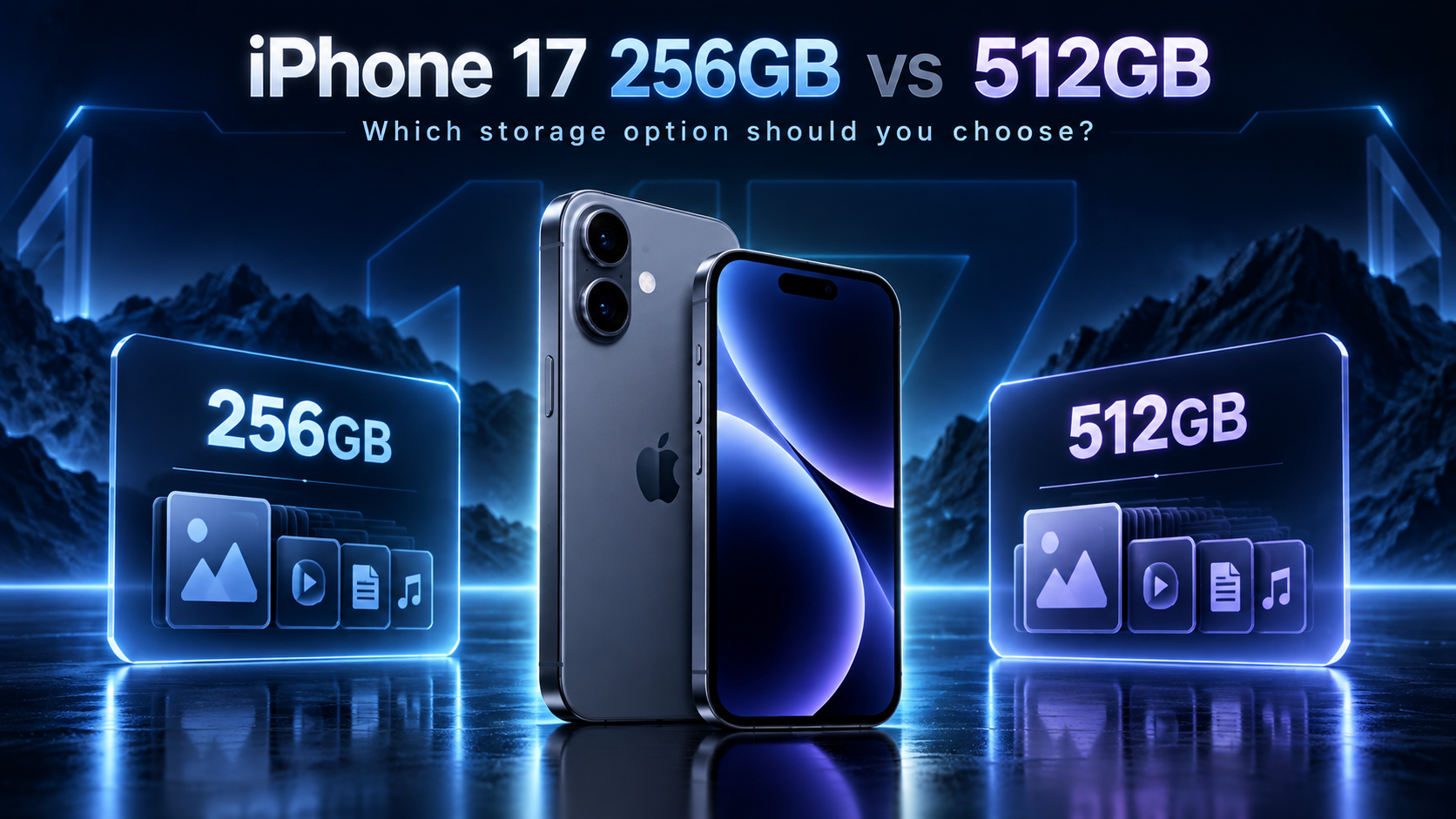
Storage is one of the few iPhone choices you cannot change later. Cloud storage can help with photos and files, but the internal capacity of the phone remains fixed. That makes the decision between models such as the iPhone 17 256GB and iPhone 17 512GB more important than it first appears.
The simple answer
256GB is the sensible choice for most users. It gives you substantial space for apps, photos, downloaded music and games. 512GB is for people who already know they use storage heavily — especially frequent video shooters, gamers, content creators, travellers who download media and buyers who plan to keep the phone for several years.
What actually uses iPhone storage?
- Photos and video: high-resolution video can grow your library quickly.
- Games: premium mobile games can be surprisingly large.
- Offline streaming: downloaded Netflix, YouTube, Spotify or podcast content adds up.
- Messaging media: years of WhatsApp and iMessage attachments can consume tens of gigabytes.
- Creative apps: video editors, image editors and their project files need local working space.
256GB: who is it for?
Choose 256GB if you stream most media, regularly back up photos, do not keep a massive game collection installed and are comfortable doing an occasional cleanup. It is also a very comfortable step up for users coming from a 64GB or 128GB phone.
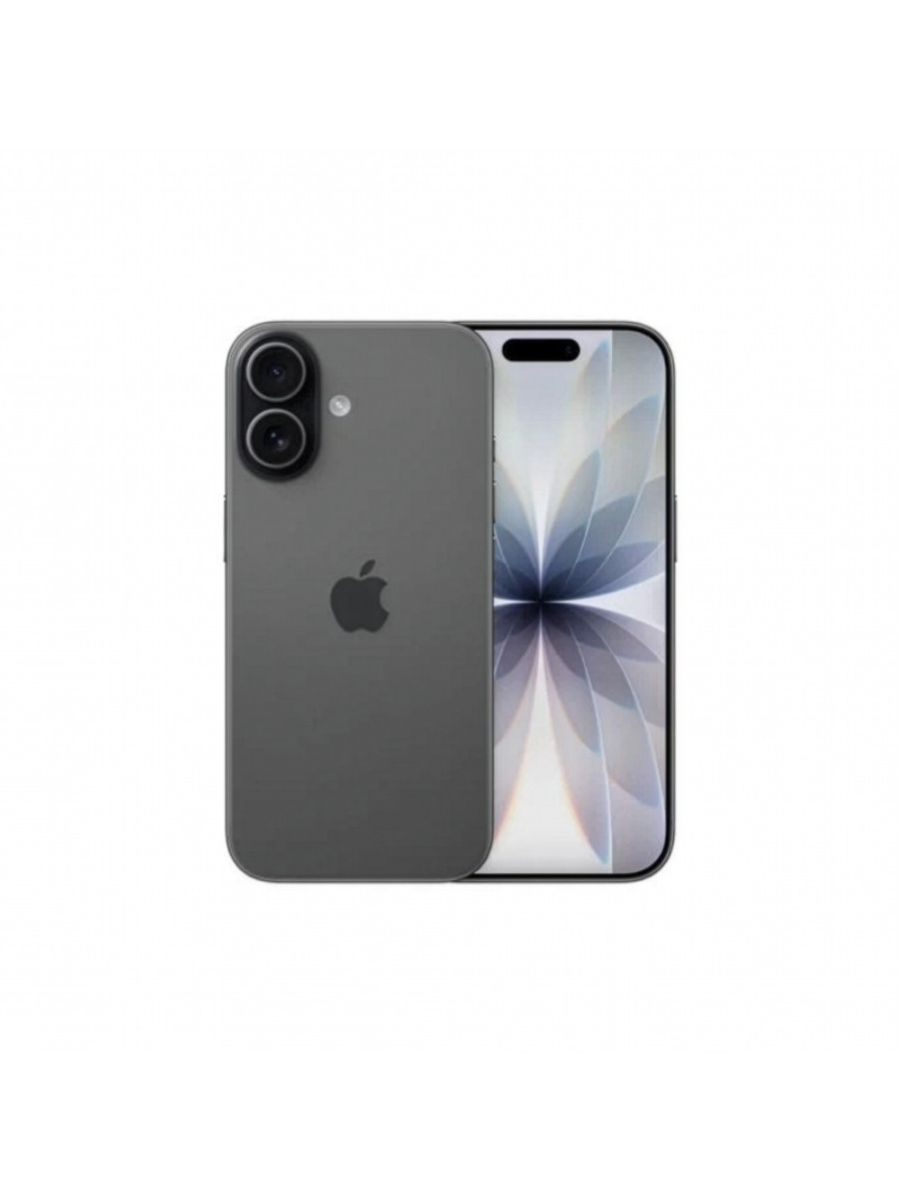
Apple iPhone 17 256GB, Black
The 256GB iPhone 17 gives mainstream users generous storage alongside the A19 chip, 6.3-inch ProMotion display and 48MP camera system.
512GB: when the extra space is worth it
512GB becomes appealing when your phone replaces other devices. If it is your main camera, gaming device, offline entertainment library and mobile workstation, the additional capacity reduces the need to constantly manage storage.
The extra headroom can also matter over a longer ownership cycle. Photos, videos and app sizes tend to grow over time. Starting with more free space gives the phone room to accommodate those changes.
Apple iPhone 17 512GB, Black
For users who prefer to keep large media, gaming and app libraries on-device rather than managing storage aggressively.
What about Pro and Pro Max storage?
The same logic applies to the Pro range. A 256GB iPhone 17 Pro Max is already generous for many buyers. The 512GB iPhone 17 Pro Max is better suited to people who plan to use the Pro camera system extensively, record lots of video or retain a large library locally.
| User type | Recommended starting point | Why |
|---|---|---|
| Everyday user | 256GB | Plenty of room for apps, photos and normal media use |
| Frequent traveller | 256GB or 512GB | 512GB helps if you download lots of offline media |
| Mobile gamer | 512GB if budget allows | Large games and updates accumulate |
| Content creator | 512GB | More space for video, photos and editing projects |
| Long-term owner | 512GB | More headroom as apps and media grow |
Cloud storage does not make internal storage irrelevant
Cloud services are useful, but they are not the same as having free internal space. Apps, system data, caches, offline downloads and active editing projects still use the device itself. Slow or unavailable connectivity can also make cloud-only workflows less convenient.
TDW tip: Open your current phone’s storage screen before buying. If you are already above roughly half of your current capacity, think about how that usage has grown over the last two or three years rather than only what you use today.
How to avoid overbuying storage
More capacity is convenient, but do not buy 512GB only because it sounds more future-proof. If your existing 128GB phone still has plenty of free space after several years, 256GB already gives you a major buffer.
Products featured in this guide
Shop the products mentioned in this guide:
- Apple iPhone 17 256GB, Black
- Apple iPhone 17 512GB, Black
- Apple iPhone 17 Pro Max 256GB , Silver
- Apple iPhone 17 Pro Max 512GB, Silver
Frequently asked questions
Can I add a memory card to an iPhone later?
No. iPhone internal storage is fixed, so choose your capacity before purchase.
Is 256GB enough for 4K video?
It can be, but frequent 4K recording can consume storage quickly. Heavy video users are better candidates for 512GB.
Does iCloud replace the need for 512GB?
It can reduce local photo and file usage, but apps, caches, downloads and active projects still need internal storage.
Related buying guides
Available storage is lower than the advertised capacity after system files and software are accounted for.


PS5 Pro vs Xbox Series X vs Steam Deck OLED: Which Gaming System Fits You in 2026?
Compare PS5 Pro, Xbox Series X and Steam Deck OLED to choose the right gaming system for 4K TV gaming, portability and...
read more

Meta Quest 3 vs Meta Quest 3S: Which VR Headset Should You Choose?
Compare Meta Quest 3 512GB and Quest 3S 128GB for resolution, storage, mixed reality, controllers and standalone VR.
read more
iPhone 17 vs iPhone 17 Pro vs iPhone 17 Pro Max: Buying Guide
Compare iPhone 17, iPhone 17 Pro and iPhone 17 Pro Max for performance, cameras, display size and storage.
read more

Samsung Galaxy S26 vs S26 Ultra: Key Differences Explained
Compare Samsung Galaxy S26 and S26 Ultra for cameras, S Pen, size, Galaxy AI, storage and everyday usability.
read more
Samsung Galaxy A17 vs A37 vs A57: Which Galaxy A-Series Phone Fits Your Budget?
Compare Galaxy A17, A37 5G and A57 for display, storage, RAM, cameras, 5G and battery life.
read more

Samsung Galaxy Z Fold7 vs Galaxy Fold8 Ultra: Foldable Phone Buying Guide
Compare Samsung Galaxy Z Fold7 and Galaxy Fold8 Ultra for displays, cameras, battery, performance and foldable productivity.
read more
Samsung Galaxy Watch8 vs Galaxy Watch9: LTE or Bluetooth, 40mm or 44mm?
Compare Galaxy Watch8 and Watch9, including LTE vs Bluetooth, 40mm vs 44mm, GPS, battery and everyday use.
read more
iPhone 17 Pro Max vs Galaxy S26 Ultra vs Galaxy Fold8 Ultra: Premium Phone Guide
Compare three premium phones for cameras, display, productivity, storage and ecosystem: iPhone 17 Pro Max, Galaxy S26 Ultra and Fold8 Ultra.
read more